
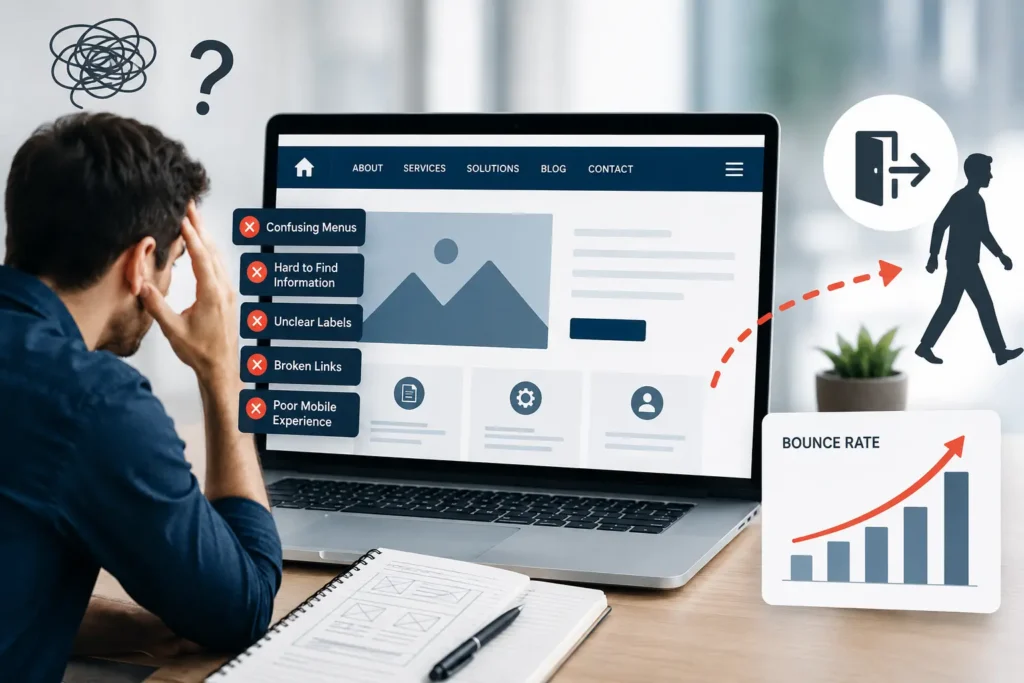
Your website may have an attractive design, compelling content, and effective marketing campaigns driving visitors to it, but if users struggle to move around your site, they probably won’t stay for long. Navigation is one of the most important elements of a successful website because it determines how easily visitors can find the information they need.
When navigation is confusing or poorly planned, users often become frustrated and leave before exploring other pages. This not only increases your website’s bounce rate but can also reduce conversions, damage search engine performance, and negatively impact your brand’s credibility.
In this article, we’ll discuss why website navigation plays such a vital role in user experience, how poor navigation contributes to high bounce rates, and practical ways to improve your website’s structure for better engagement.
Why Website Navigation Matters
Website navigation is the system that allows visitors to browse your site. It includes menus, page links, categories, search functionality, buttons, and other pathways that help users move from one section to another.
Good navigation serves several important purposes:
- Helps visitors locate information quickly.
- Creates a smooth browsing experience.
- Encourages users to visit additional pages.
- Guides potential customers toward conversion.
- Makes the website easier for search engines to crawl.
When navigation is clear and intuitive, users are more likely to stay engaged and continue exploring your content.
What Does Bounce Rate Mean?
Bounce rate refers to the percentage of visitors who leave your website after viewing only one page without taking any further action. While a single-page visit isn’t always a bad thing, consistently high bounce rates often indicate that visitors aren’t finding enough value to continue browsing.
Several factors can contribute to this, including slow loading speeds, irrelevant content, poor design, and one of the most overlooked issues—ineffective navigation. Many of these issues fall under common website design mistakes that hurt conversions, as they create friction that discourages visitors from exploring your site further. Understanding why website speed optimization is crucial can also help businesses reduce bounce rates, as faster-loading pages keep users engaged and improve the overall browsing experience.
If users cannot quickly understand where to go next, many will simply exit your site and look elsewhere.
Ways Poor Website Navigation Increases Bounce Rates
Visitors Get Lost Almost Immediately
People visit websites with a purpose. They may want to learn about your services, compare products, read helpful content, or contact your business.
If they have to search excessively for basic information, frustration builds quickly. Instead of clicking through multiple confusing menus, many visitors will leave within seconds.
Making key pages easy to locate helps create a positive first impression and encourages users to stay longer.
Complicated Menus Overwhelm Users
Many websites try to include every page within the main navigation bar. Although the intention is to provide more options, it often has the opposite effect.
Large, cluttered menus can make decision-making difficult. Visitors may struggle to determine which option is relevant to their needs, causing unnecessary confusion.
A clean and organised navigation menu allows users to focus on the most important sections without feeling overwhelmed.
Poor Navigation Consistency Reduces Confidence
Users expect your website to behave predictably. If menu layouts, navigation labels, or page structures change from one page to another, the browsing experience becomes disjointed.
Consistency helps visitors become familiar with your website. Once users understand how your navigation works, they can browse confidently without constantly reorienting themselves.
Maintaining the same navigation structure across all pages creates a more professional and trustworthy experience.
Hidden Navigation Creates Friction
Minimalist designs sometimes hide important navigation options behind icons or animations that are not immediately obvious.
Although these designs may appear modern, they can create unnecessary obstacles for visitors.
Essential pages such as Services, Contact, Pricing, or About Us should always be easy to locate without requiring users to guess where they are.
Simple navigation nearly always provides a better user experience than overly creative layouts.
Mobile Visitors Expect Simplicity
With mobile devices accounting for a significant share of website traffic, navigation must perform just as well on smaller screens as it does on desktops.
Common mobile navigation issues include:
- Small buttons that are difficult to tap.
- Menus that overlap page content.
- Broken dropdown navigation.
- Poor spacing between menu items.
- Slow or unresponsive mobile menus.
Even minor usability problems can cause mobile users to abandon your website almost instantly.
Broken Navigation Damages User Experience
Nothing frustrates visitors more than clicking on a menu item that leads to an error page or outdated content.
Broken navigation interrupts the browsing experience and reduces confidence in your business.
Routine website maintenance helps ensure all navigation links remain functional and point to the correct destinations.
Weak Internal Navigation Limits Engagement
Navigation isn’t limited to the website’s main menu. Internal links placed naturally within blog posts, landing pages, and service pages also help users discover additional content.
Without these connections, visitors may consume one piece of information and leave without exploring anything else.
Strategic internal linking encourages longer sessions and provides more opportunities for users to engage with your business.
Vague Menu Labels Make Navigation Difficult
Your navigation labels should communicate exactly what users can expect after clicking.
Generic terms like “Discover,” “Explore,” or “Resources” may sound appealing but often lack clarity.
Straightforward labels such as “Services,” “Case Studies,” “Blog,” or “Contact” make it much easier for visitors to navigate your website confidently.
Clear communication should always take priority over creativity.
How Navigation Influences SEO
Website navigation affects much more than user experience—it also supports your search engine optimisation efforts.
Search engines analyse website structure to understand how pages are connected. Well-organised navigation helps search engine crawlers discover important pages more efficiently while strengthening your internal linking strategy.
Poor navigation can create several SEO challenges, including:
- Reduced crawl efficiency.
- Weak internal link distribution.
- Orphan pages that are difficult to find.
- Lower user engagement signals.
- Reduced opportunities for ranking important pages.
Improving your navigation benefits both users and search engines alike.
Features of Effective Website Navigation
An effective navigation system should include several key characteristics.
Straightforward Structure
Visitors should understand your website layout immediately without needing instructions.
Logical Organisation
Group similar pages together under relevant categories to make browsing more intuitive.
Uniform Design
Navigation menus should appear consistently throughout every page of your website.
Mobile Responsiveness
Menus should function smoothly across smartphones, tablets, laptops, and desktop computers.
Accessibility
Navigation should be usable for everyone, including visitors using screen readers or keyboard navigation.
Visibility
Important links should remain clearly visible rather than being hidden behind unnecessary interactions.
Practical Ways to Improve Website Navigation
Enhancing your website’s navigation doesn’t always require a complete redesign. Small adjustments often produce noticeable improvements.
Simplify Your Main Navigation
Include only your most important pages within the primary menu and eliminate unnecessary clutter.
Highlight Key Business Pages
Ensure pages such as Services, About Us, Contact, and Pricing are always easy to access.
Use Breadcrumb Navigation
Breadcrumbs show visitors where they are within your site’s hierarchy and make it easy to move between related sections.
Strengthen Internal Linking
Link related articles, guides, and service pages naturally throughout your content to encourage additional page views.
Improve Website Search
For content-rich websites, an effective search feature helps users find information quickly without relying solely on navigation menus.
Gather User Feedback
Watching real users interact with your website often reveals navigation issues that designers and developers may overlook.
Testing and refining your navigation based on actual user behaviour can significantly improve the overall experience.
Navigation Mistakes Worth Avoiding
Many businesses unintentionally create navigation problems that discourage visitors from exploring their websites.
Some of the most common mistakes include:
- Overcrowded navigation menus.
- Too many nested dropdown options.
- Unclear page names.
- Inconsistent menu layouts.
- Missing or broken links.
- Ignoring mobile usability.
- Poor page hierarchy.
- Lack of internal linking.
- Difficult-to-read menu designs.
- Prioritising appearance over functionality.
Addressing these issues can improve both usability and visitor retention.
Better Navigation Encourages More Conversions
An intuitive navigation system doesn’t simply reduce bounce rates—it also makes it easier for users to complete meaningful actions.
When visitors can quickly locate the information they need, they are more likely to:
- Submit enquiries.
- Request quotations.
- Purchase products or services.
- Read multiple articles.
- Subscribe to newsletters.
- Return to your website in the future.
A smoother browsing experience naturally builds trust and moves users closer to becoming customers.
Conclusion
Website navigation is far more than a design feature—it’s the foundation of a positive user experience. If visitors cannot move through your website effortlessly, they are unlikely to remain engaged regardless of how attractive your content or design may be.
Creating a simple, organised, and user-friendly navigation system helps reduce bounce rates, improves visitor satisfaction, supports SEO, and increases conversion opportunities.
By continually reviewing and refining your website’s structure, you can create an online experience that encourages users to stay longer, explore further, and take action.
Improve Your Website with Horizon Services
If your website is experiencing high bounce rates or struggling to convert visitors into customers, it may be time to rethink its navigation, design, and overall user experience.
At Horizon Services, we specialise in creating fast, intuitive, and conversion-focused websites that help businesses grow online. As a top website design and development company in Watford, our team delivers tailored web solutions that combine exceptional design, seamless functionality, and SEO best practices to keep visitors engaged and drive measurable results.
Contact Horizon Services today to discover how a professionally designed website can transform your online presence and help your business achieve long-term digital success.


