
Our experienced team delivers reliable, high-quality digital solutions tailored to your business needs.
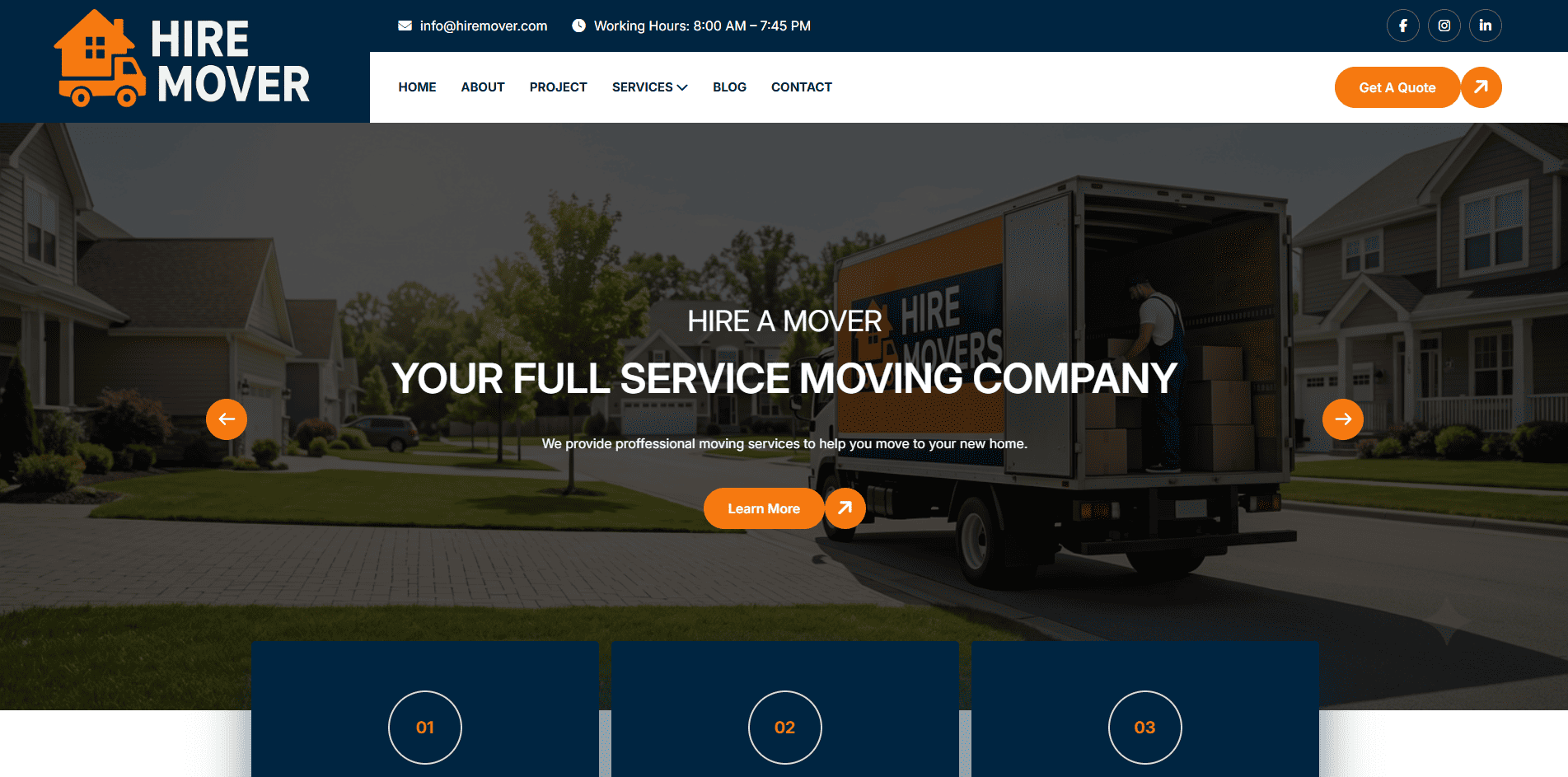
Hire A Mover needed more than just an online quote request form. Customers could submit their moving requirements through a multi-step form, but the team had to manually manage enquiries, prepare quotations, communicate with customers, and follow up on booking requests.
This created additional administrative work and made it challenging to manage the complete customer journey efficiently.
The business needed a centralised system where all customer enquiry details, moving requirements, quotations, payments, bookings, invoices, and follow-up activities could be managed from one place.
Another key requirement was to simplify communication with customers while ensuring that every stage, from the initial enquiry to the completed booking and post-service feedback, could be properly managed and tracked.
We developed a comprehensive moving quote experience integrated with a custom CRM system, helping the Hire A Mover team manage the entire customer journey from initial enquiry to booking completion.
Designed an interactive quote form that collects detailed customer requirements, including property size, moving locations, preferred moving date, heavy items, packing and unpacking services, and storage requirements.
Integrated website enquiries into a custom CRM where the team can access customer information, moving details, and enquiry records in one centralised dashboard.
Enabled the team to send and edit quotations through email, SMS, and WhatsApp directly from the CRM, including follow-up quotation emails and availability enquiries.
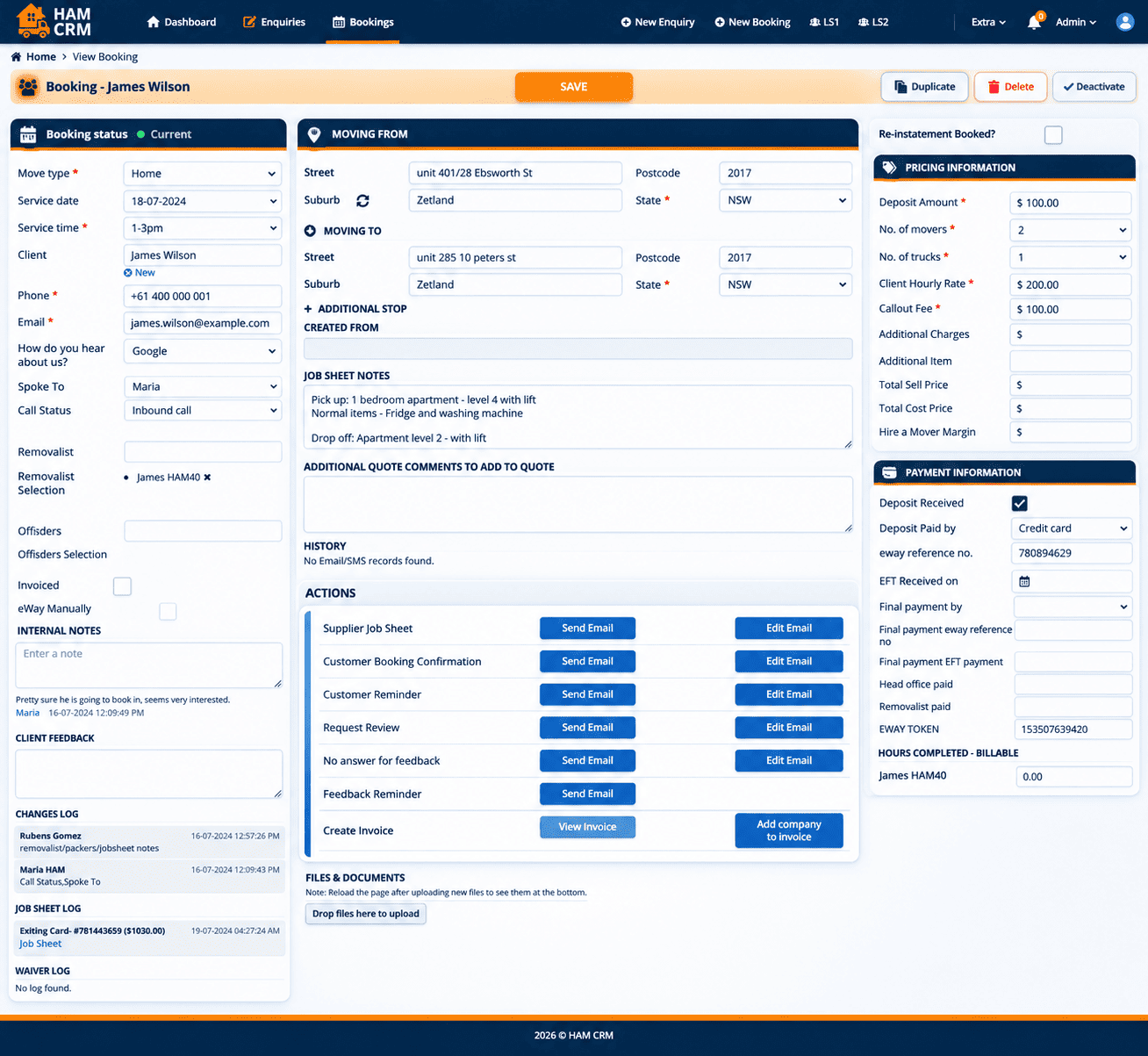
Integrated booking records into the CRM, with access to customer and job information and actions for generating supplier job sheets and customer booking confirmations.
Provided CRM actions for sending customer reminders, requesting reviews, managing feedback follow-ups, and handling customers who do not respond to feedback requests.
Enabled the team to create invoices and manage customer-related billing information directly through the CRM.
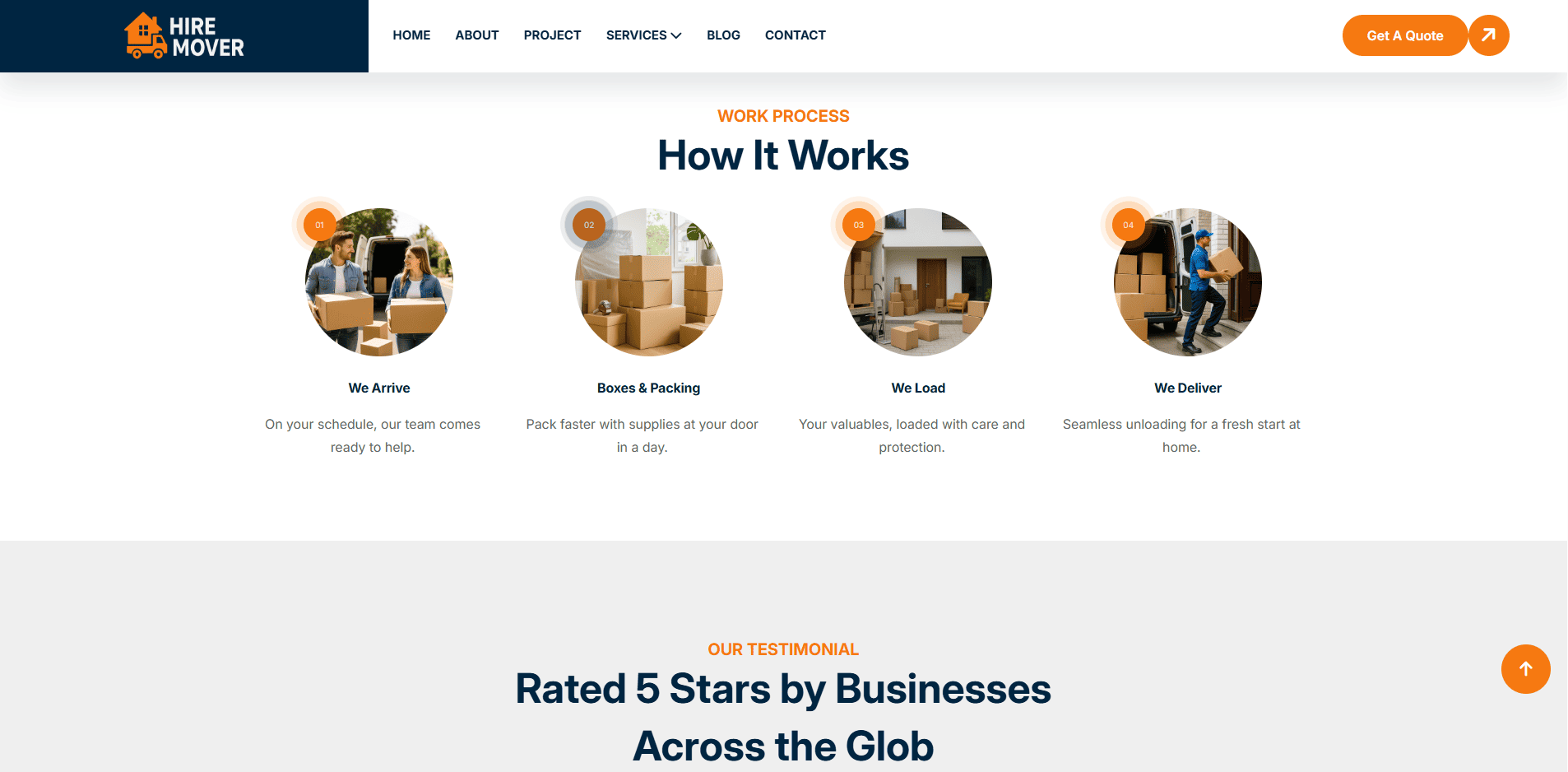
Customer enters moving requirements through the website's multi-step form.
Customer information and moving requirements become available in the CRM.
Team sends quotations through email, SMS or WhatsApp and can follow up with customers.
Customer receives a payment link within the quotation and can proceed with payment.
Booking details are recorded in the CRM, where the team can send confirmations and supplier job sheets.
Team can send reminders, create invoices, request reviews and manage feedback follow-ups.
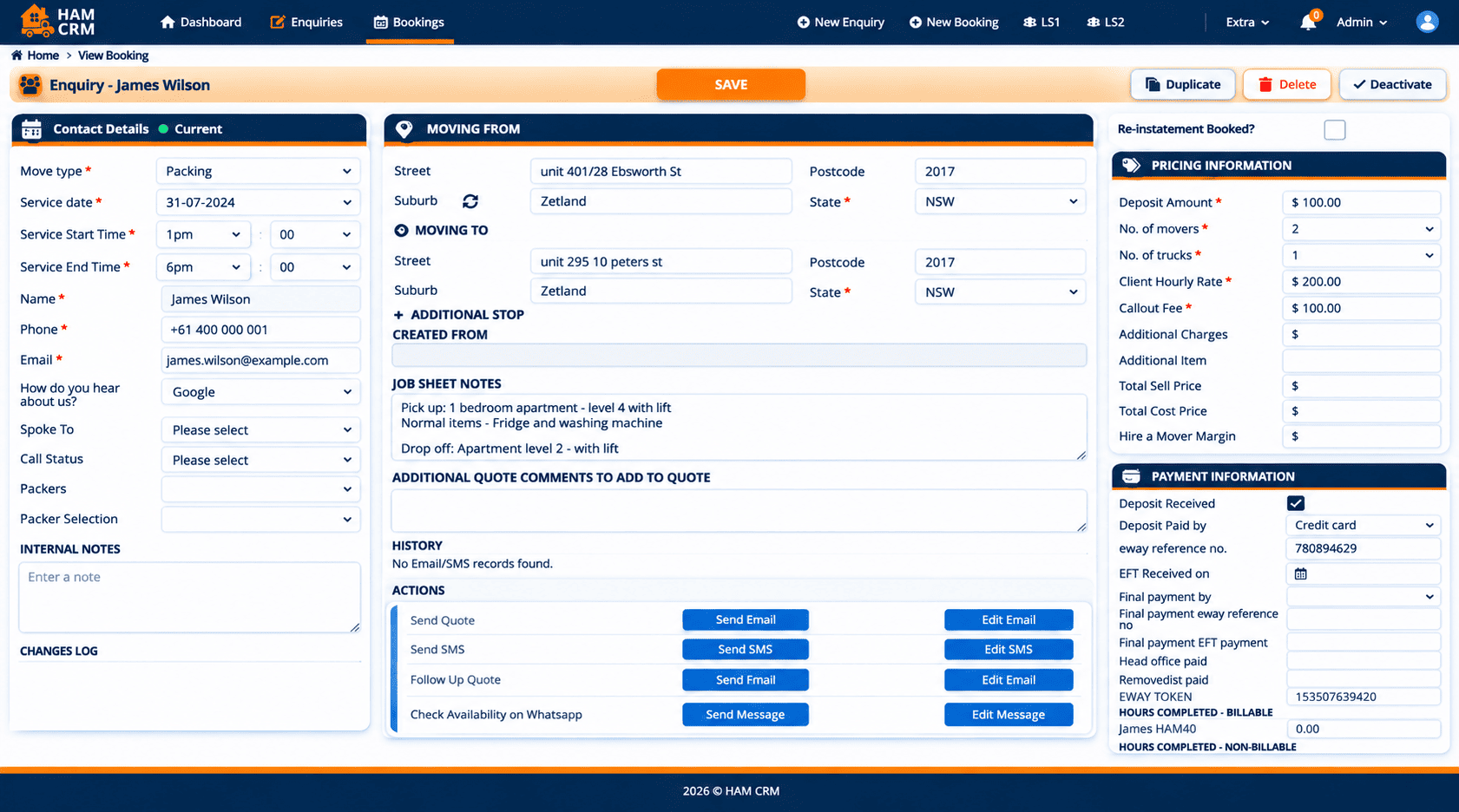
A centralised CRM workflow that simplifies how the team handles customer enquiries and quotations.
A connected booking management process that supports the team beyond the initial quotation.
The multi-step quote form collects moving requirements, including property size, pickup and destination suburbs, moving date, heavy items, packing and unpacking requirements, and storage preferences.
All submitted enquiries are available in a centralised CRM, where the team can access customer details and moving requirements.
Yes. The CRM provides options to send and edit quotations through email, SMS, and WhatsApp. It also supports follow-up quotation communication.
Customers receive a quotation containing a payment link. After proceeding with payment and booking, the booking information is available in the CRM.
The CRM provides actions for generating supplier job sheets, sending customer booking confirmations and reminders, creating invoices, requesting reviews, and managing feedback follow-ups.
Horizon Services is operated by HORIZON IT SECURITY & SERVICES LTD, providing website design and development, mobile app development, digital marketing, SEO, PPC, branding, and software solutions for businesses across the UK and internationally.
Quick Links
Our Newsletter
Subscribe for digital marketing tips, website insights, and business growth updates.


